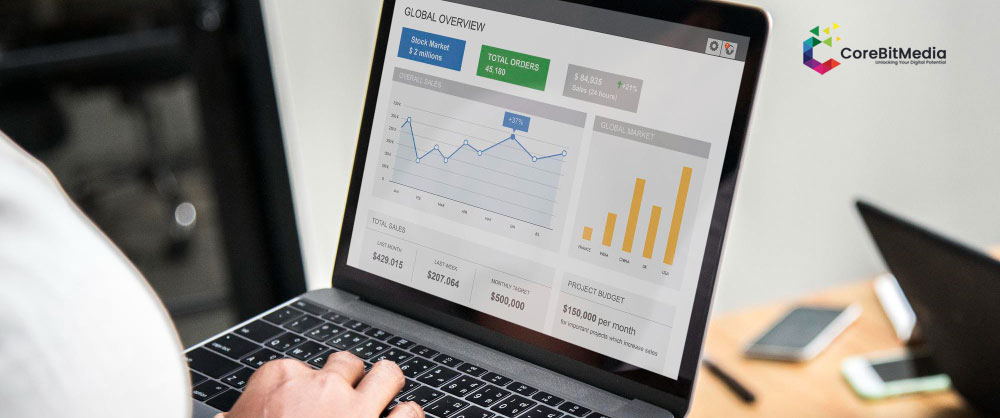
Free, interactive Looker Studio dashboards that unify Google Ads, GA4, and other marketing data into one live view.
Looker Studio (formerly Google Data Studio) connects natively to Google's own marketing tools, making it the fastest way to turn GA4, Google Ads, and Search Console data into a live, shareable dashboard — at no licensing cost.
layouts built around the exact KPIs your team reviews
GA4, Google Ads, Facebook Ads, and CRM data combined into one report
dashboards emailed to stakeholders on a set cadence, no manual exports
pulling in warehoused or custom-tracked data alongside standard platform data
secure, view-only dashboard links for internal or client reporting
dashboards updated as tracking, campaigns, or KPIs change
Looker Studio is free, unlike Power BI or Tableau
the fastest option for Google-Ads-and-GA4-heavy accounts
no more static monthly PDF reports
Mobile measurement partner (MMP) setup for accurate install attribution and fraud protection across every UA channel.
Learn More »Move your tracking off the browser and onto a server-side container for better accuracy, speed, and resilience to ad blockers.
Learn More »Google's free, event-based analytics for mobile apps — implemented correctly from day one, and connected to BigQuery for real analysis.
Learn More »Analyze every cross-channel touchpoint in one workspace — CJA connects the data AEP unifies into a single analytical view.
Learn More »Unify every customer data source into one real-time profile with Adobe Experience Platform — and actually activate it.
Learn More »Migrate to Adobe's unified Web SDK / App SDK for future-proof, first-party data collection across web and mobile.
Learn More »Rich, visual Tableau dashboards for teams that need deep, exploratory data analysis alongside standard reporting.
Learn More »Enterprise Power BI dashboards that turn marketing, sales, and business data into a single Microsoft-native BI solution.
Learn More »Centralize GA4, ad platform, and CRM data in BigQuery for unified, SQL-level marketing analysis at scale.
Learn More »Tealium iQ implementation for real-time, customer-data-driven tag management across web and mobile.
Learn More »Adobe's enterprise tag management platform, configured for scalable, governed deployment of tags across your properties.
Learn More »Clean, well-governed Google Tag Manager setups so every pixel and tracking tag fires correctly without touching code.
Learn More »Enterprise-grade Adobe Analytics implementation, reporting, and Analysis Workspace setup for deep user behavior insight.
Learn More »Full Google Analytics 4 setup and custom event tracking, done right the first time.
Learn More »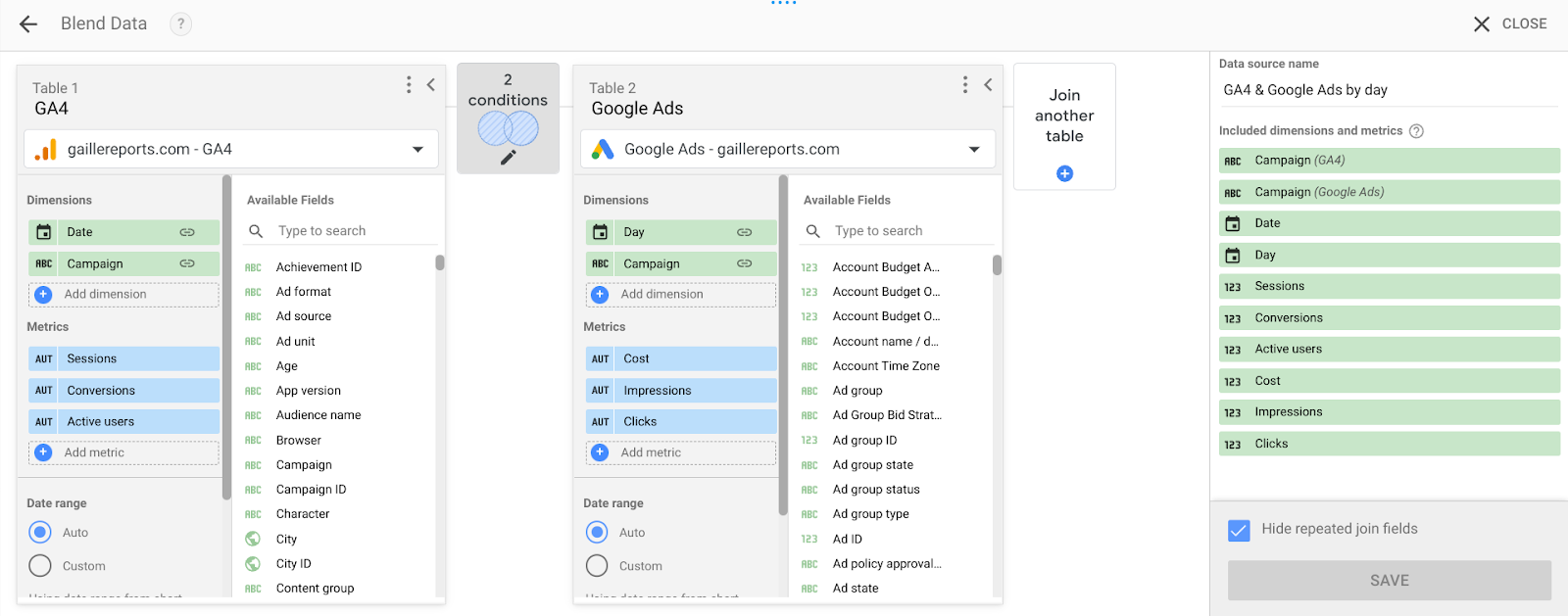
Connect campaign costs and ad performance with on-site behavior and conversions by blending GA4 and Google Ads in Looker Studio.
Read More »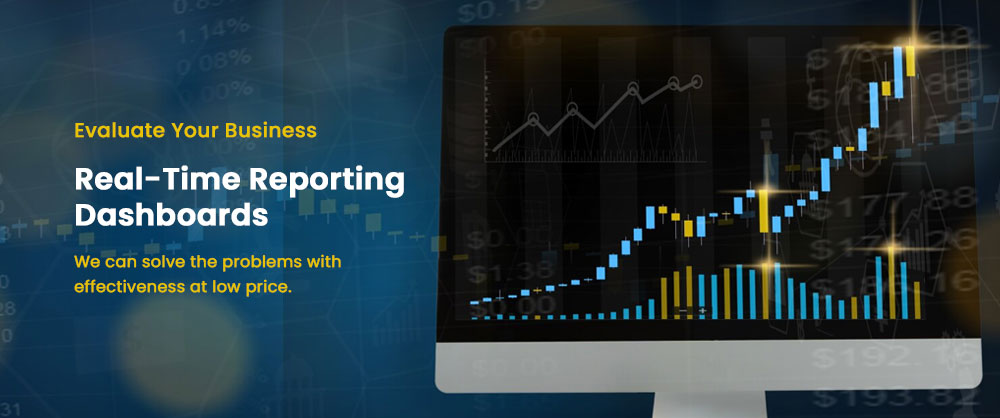
Most organizations have plenty of data but not enough insight. Here’s how to build dashboards that actually drive decisions.
Read More »Yes — Looker Studio (formerly Google Data Studio) is free to use; costs only come from the data sources it connects to, such as BigQuery storage or premium connectors.
Yes — Looker Studio can blend data from GA4, Google Ads, Facebook Ads, Sheets, and BigQuery into a single unified dashboard.
Looker Studio dashboards typically refresh data automatically on a schedule ranging from every few minutes to daily, depending on the connected data source's refresh settings.
Talk to our team about how we can help.
Get Free Audit